<?xml version="1.0" encoding="utf-8"?><feed xmlns="http://www.w3.org/2005/Atom" ><generator uri="https://jekyllrb.com/" version="4.2.2">Jekyll</generator><link href="http://inthebacklog.com/feed.xml" rel="self" type="application/atom+xml" /><link href="http://inthebacklog.com/" rel="alternate" type="text/html" /><updated>2023-07-16T00:18:06+00:00</updated><id>http://inthebacklog.com/feed.xml</id><title type="html">In the backlog</title><subtitle>Random thoughts on Software Architecture, Triathlon, Home Theater, Music, Vizslas, Bourbon, or whatever the day brings</subtitle><author><name>Bill Findeisen</name></author><entry><title type="html">Handy git commands</title><link href="http://inthebacklog.com/Git-Commands/" rel="alternate" type="text/html" title="Handy git commands" /><published>2023-07-09T00:00:00+00:00</published><updated>2023-07-09T00:00:00+00:00</updated><id>http://inthebacklog.com/Git-Commands</id><content type="html" xml:base="http://inthebacklog.com/Git-Commands/"><![CDATA[<h2 id="delete-local-git-branches-no-longer-on-the-remote">Delete local git branches no longer on the remote</h2>

<div class="language-plaintext highlighter-rouge"><div class="highlight"><pre class="highlight"><code>git fetch -p
</code></pre></div></div>]]></content><author><name>Bill Findeisen</name></author><category term="git" /><summary type="html"><![CDATA[Delete local git branches no longer on the remote]]></summary></entry><entry><title type="html">NVIDIA Shield,Kodi,TrueNAS,and NFS</title><link href="http://inthebacklog.com/Shield-Kodi-nfs/" rel="alternate" type="text/html" title="NVIDIA Shield,Kodi,TrueNAS,and NFS" /><published>2022-02-24T00:00:00+00:00</published><updated>2022-02-24T00:00:00+00:00</updated><id>http://inthebacklog.com/Shield-Kodi-nfs</id><content type="html" xml:base="http://inthebacklog.com/Shield-Kodi-nfs/"><![CDATA[<h2 id="mounting-a-nfs-share-from-kodi-running-on-the-nvidia-shield">Mounting a NFS share from Kodi running on the NVIDIA Shield</h2>

<p>Spent way too much time figuring out why I wasn’t able to mount a TrueNAS NFS share.</p>

<p>The TrueNAS logs just led to confusion:</p>
<div class="language-plaintext highlighter-rouge"><div class="highlight"><pre class="highlight"><code>Feb 24 17:34:05 truenas 1 2022-02-24T17:34:05.642961-06:00 truenas.local mountd 3384 - - mount request from &lt;Shield IP&gt; from unprivileged port
</code></pre></div></div>
<p><a href="/assets/images/2022-02-24/KodiNFSShieldError.png"><img src="/assets/images/2022-02-24/KodiNFSShieldError.png" alt="error" /></a></p>

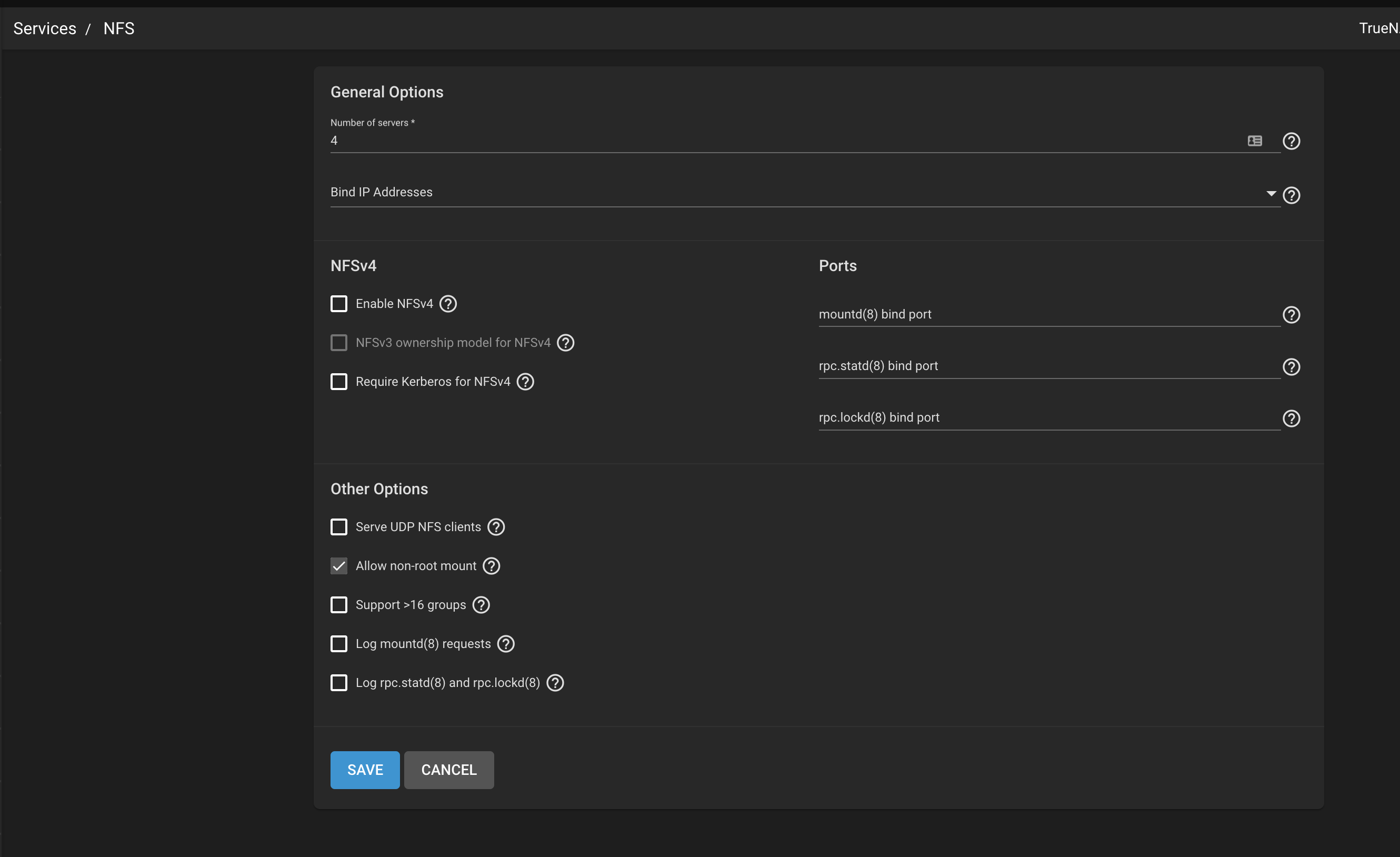
<p>There’s a little nugget buried here <a href="https://kodi.wiki/view/NFS">Kodi NFS</a> that says you must allow mount access from non-root users.</p>

<p>This setting is in the Service -&gt; NFS options, <b>NOT</b> in the NFS sharing set up:</p>

<p><a href="/assets/images/2022-02-24/KodiShieldNFS.png"><img src="/assets/images/2022-02-24/KodiShieldNFS.png" alt="Options" /></a></p>]]></content><author><name>Bill Findeisen</name></author><category term="TrueNAS" /><category term="Shield" /><summary type="html"><![CDATA[Mounting a NFS share from Kodi running on the NVIDIA Shield]]></summary></entry><entry><title type="html">Multiple Git Account Credentials</title><link href="http://inthebacklog.com/Multiple-Git-Account-Credentials/" rel="alternate" type="text/html" title="Multiple Git Account Credentials" /><published>2021-12-05T00:00:00+00:00</published><updated>2021-12-05T00:00:00+00:00</updated><id>http://inthebacklog.com/Multiple-Git-Account-Credentials</id><content type="html" xml:base="http://inthebacklog.com/Multiple-Git-Account-Credentials/"><![CDATA[<h2 id="handling-multiple-git-accounts-with-different-credentials">Handling multiple git accounts with different credentials</h2>

<p>As mentioned in the <a href="https://git-scm.com/docs/gitcredentials.html">credentials</a> documentation</p>
<blockquote>
  <p>By default, Git does not consider the “path” component of an http URL to be worth matching via external helpers. This means that a credential stored for https://example.com/foo.git will also be used for https://example.com/bar.git.</p>
</blockquote>

<p>Setting the <strong><em>useHttpPath</em></strong> configuration option to true will change the default behavoir</p>
<div class="language-plaintext highlighter-rouge"><div class="highlight"><pre class="highlight"><code>git config --global credential.useHttpPath true
</code></pre></div></div>

<blockquote class="notice--warning">
  <p>You will be prompted for passwords for existing repositories after this change</p>
</blockquote>]]></content><author><name>Bill Findeisen</name></author><category term="git" /><summary type="html"><![CDATA[Handling multiple git accounts with different credentials]]></summary></entry><entry><title type="html">Handy shell commands</title><link href="http://inthebacklog.com/Handy-Shell-Commands/" rel="alternate" type="text/html" title="Handy shell commands" /><published>2021-05-13T00:00:00+00:00</published><updated>2021-05-13T00:00:00+00:00</updated><id>http://inthebacklog.com/Handy-Shell-Commands</id><content type="html" xml:base="http://inthebacklog.com/Handy-Shell-Commands/"><![CDATA[<h2 id="run-the-previous-command-as-root">run the previous command as root</h2>
<div class="language-plaintext highlighter-rouge"><div class="highlight"><pre class="highlight"><code>sudo !!
</code></pre></div></div>
<h2 id="go-back-to-the-previous-directory">go back to the previous directory</h2>
<div class="language-plaintext highlighter-rouge"><div class="highlight"><pre class="highlight"><code>cd -
</code></pre></div></div>

<h2 id="do-sneaky-things-that-wont-show-up-in-history">do sneaky things that won’t show up in history</h2>
<div class="language-plaintext highlighter-rouge"><div class="highlight"><pre class="highlight"><code>$&lt;space&gt;sneaky_command
$ sneaky_command
</code></pre></div></div>

<h2 id="print-video-resolution-with-ffprobe">print video resolution with ffprobe</h2>
<div class="language-bash highlighter-rouge"><div class="highlight"><pre class="highlight"><code>ffprobe <span class="nt">-v</span> error <span class="nt">-select_streams</span> v:0 <span class="nt">-show_entries</span> <span class="nv">stream</span><span class="o">=</span>width,height <span class="se">\</span>
<span class="nt">-of</span> <span class="nv">csv</span><span class="o">=</span><span class="nv">s</span><span class="o">=</span>x:p<span class="o">=</span>0 input.mp4
</code></pre></div></div>]]></content><author><name>Bill Findeisen</name></author><category term="linux" /><summary type="html"><![CDATA[run the previous command as root sudo !! go back to the previous directory cd -]]></summary></entry><entry><title type="html">Running Jekyll with minimal-mistakes theme inside docker</title><link href="http://inthebacklog.com/Setup-Jekyll-minimal-mistakes-docker/" rel="alternate" type="text/html" title="Running Jekyll with minimal-mistakes theme inside docker" /><published>2021-03-14T00:00:00+00:00</published><updated>2021-03-14T00:00:00+00:00</updated><id>http://inthebacklog.com/Setup-Jekyll-minimal-mistakes-docker</id><content type="html" xml:base="http://inthebacklog.com/Setup-Jekyll-minimal-mistakes-docker/"><![CDATA[<p>this blog is built using:</p>
<ul>
  <li><a href="http://jekyllrb.com">Jekyll</a></li>
  <li><a href="https://mmistakes.github.io/minimal-mistakes/">minimal-mistakes</a></li>
  <li><a href="http://docker.io">docker</a></li>
</ul>

<h6 id="1-clone-the-minimal-mistakes-repo">1. clone the <a href="https://github.com/mmistakes/minimal-mistakes">minimal-mistakes</a> repo</h6>
<div class="language-plaintext highlighter-rouge"><div class="highlight"><pre class="highlight"><code>git clone https://github.com/mmistakes/minimal-mistakes.git
</code></pre></div></div>

<h6 id="2-create-a-dockerfile-to-build-a-base-container-to-generate-a-gemfilelock">2. create a <code class="language-plaintext highlighter-rouge">Dockerfile</code> to build a base container to generate a Gemfile.lock</h6>

<div class="language-plaintext highlighter-rouge"><div class="highlight"><pre class="highlight"><code>FROM ruby:3.0

WORKDIR /srv/jekyll

VOLUME /srv/jekyll
</code></pre></div></div>

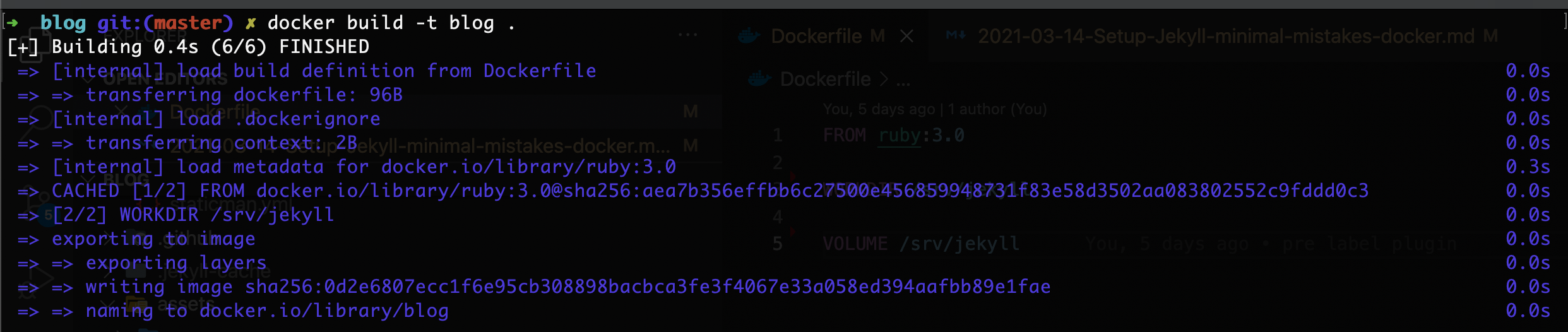
<h6 id="3-build-the-container">3. build the container</h6>
<div class="language-plaintext highlighter-rouge"><div class="highlight"><pre class="highlight"><code>docker build -t blog .
</code></pre></div></div>
<p><img src="/assets/images/2021-03-14/jekyll-base-docker-build.png" alt="docker build" /></p>

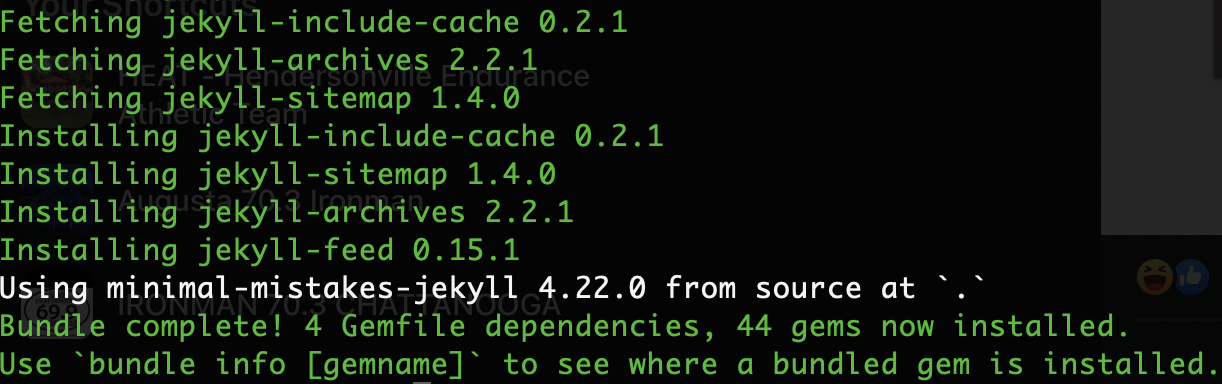
<h6 id="4-generate-the-gemfilelock">4. generate the Gemfile.lock</h6>
<div class="language-plaintext highlighter-rouge"><div class="highlight"><pre class="highlight"><code>docker run --volume="$PWD:/srv/jekyll" -it blog bundle install 
</code></pre></div></div>
<p><img src="/assets/images/2021-03-14/jekyll-generate-lock.png" alt="docker Gemlock" /></p>

<h6 id="5-modify-the-above-dockerfile-to-incorporate-the-lock-file">5. modify the above Dockerfile to incorporate the lock file</h6>
<div class="language-plaintext highlighter-rouge"><div class="highlight"><pre class="highlight"><code>FROM ruby:3.0

RUN bundle config --global frozen 1

WORKDIR /srv/jekyll

COPY Gemfile Gemfile.lock minimal-mistakes-jekyll.gemspec ./

RUN bundle install

VOLUME /srv/jekyll
</code></pre></div></div>

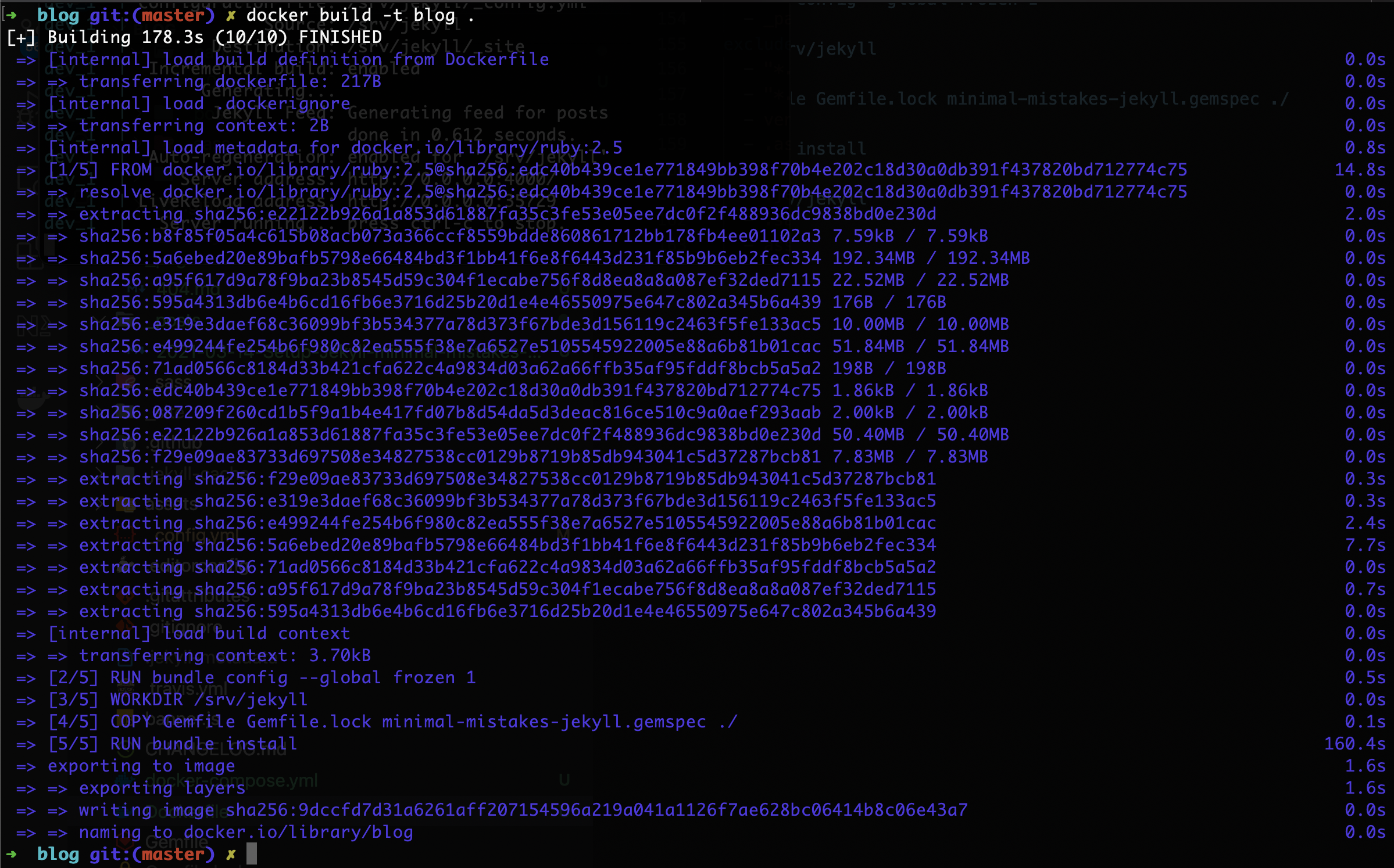
<h6 id="6-build-the-container">6. build the container</h6>
<div class="language-plaintext highlighter-rouge"><div class="highlight"><pre class="highlight"><code>docker build -t blog .
</code></pre></div></div>
<p><img src="/assets/images/2021-03-14/jekyll-docker-build.png" alt="docker build" /></p>

<h6 id="7-create-a-docker-composeyml-file">7. create a <code class="language-plaintext highlighter-rouge">docker-compose.yml</code> file</h6>
<div class="language-plaintext highlighter-rouge"><div class="highlight"><pre class="highlight"><code>version: "3.0"

services:
  dev:
    image: blog
    command: ["jekyll", "serve", "--incremental", "--livereload"]
    ports:
      - "4000:4000"
    volumes:
      - $PWD:/srv/jekyll
</code></pre></div></div>

<h6 id="8-add-the-port-and-host-to-_configyml">8. add the port and host to <code class="language-plaintext highlighter-rouge">_config.yml</code></h6>

<div class="language-plaintext highlighter-rouge"><div class="highlight"><pre class="highlight"><code>port: 4000
host: "0.0.0.0"
</code></pre></div></div>

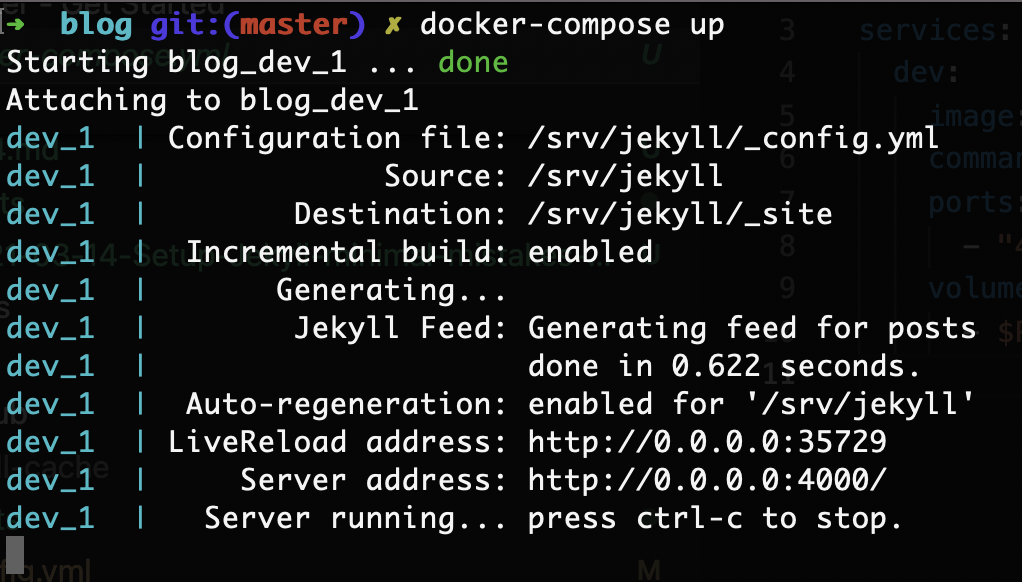
<h6 id="9-fire-it-up">9. Fire it up</h6>
<div class="language-plaintext highlighter-rouge"><div class="highlight"><pre class="highlight"><code>docker-compose up
</code></pre></div></div>
<p><img src="/assets/images/2021-03-14/jekyll-docker-compose.png" alt="docker compose" /></p>

<h6 id="issue-with-ruby-3">ISSUE with Ruby 3:</h6>
<p>I recenty ran into this error when starting jekyll:</p>
<div class="language-plaintext highlighter-rouge"><div class="highlight"><pre class="highlight"><code>cannot load such file -- webrick
</code></pre></div></div>
<p>Following the guidance <a href="https://github.com/jekyll/jekyll/issues/8523">in this bug</a></p>

<p>I added the webrick to the gemspec like this in Gemfile before generting the Gemlock:</p>
<div class="language-plaintext highlighter-rouge"><div class="highlight"><pre class="highlight"><code>source "https://rubygems.org"
group :jekyll_plugins do
  gem "webrick"
  gem "jekyll-archives"
end
gemspec
</code></pre></div></div>]]></content><author><name>Bill Findeisen</name></author><summary type="html"><![CDATA[this blog is built using: Jekyll minimal-mistakes docker]]></summary></entry></feed>